Features
Everything you need to
land your next job
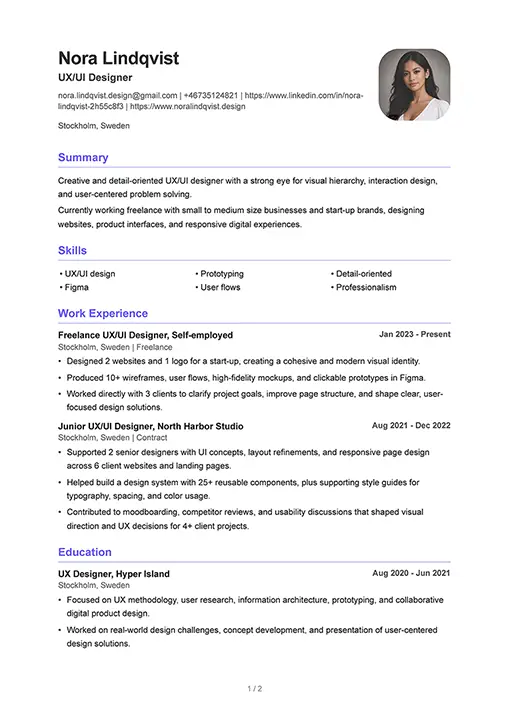
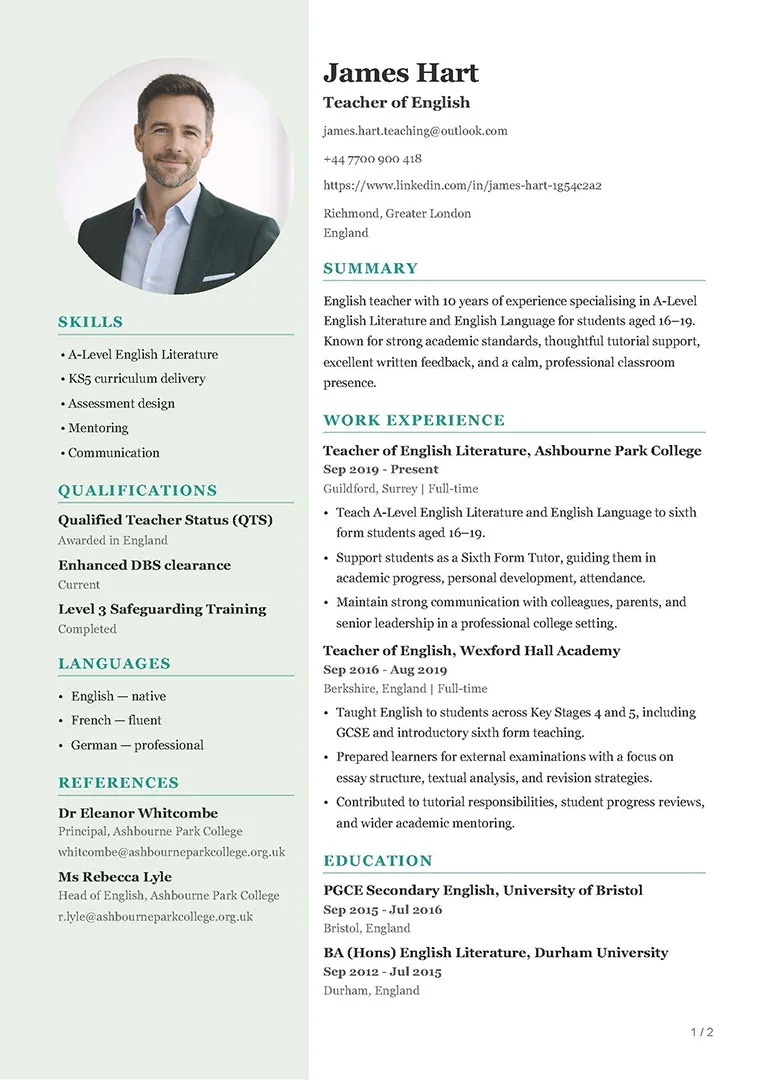
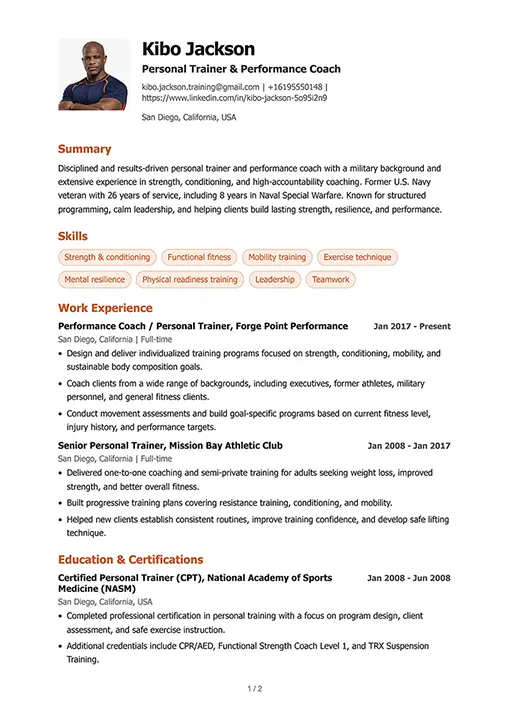
8 Free Templates
Make it your own
You can customize every template



ATS Live-Check
Fix issues before you submit your CV
-
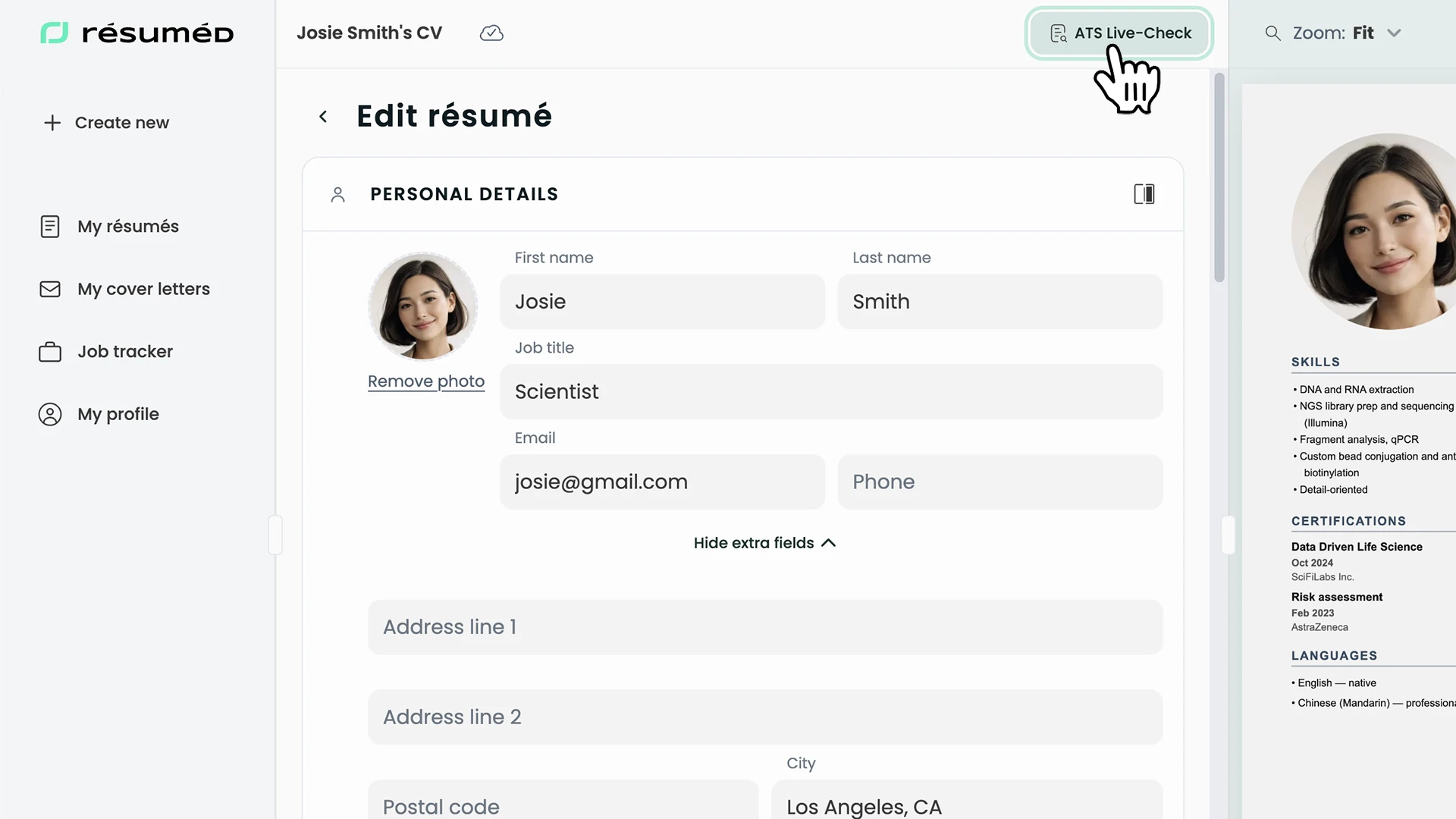
Toggle on ATS Live-Check
Use the toggle above the editor to switch on ATS Live-Check while you work on your résumé.
-
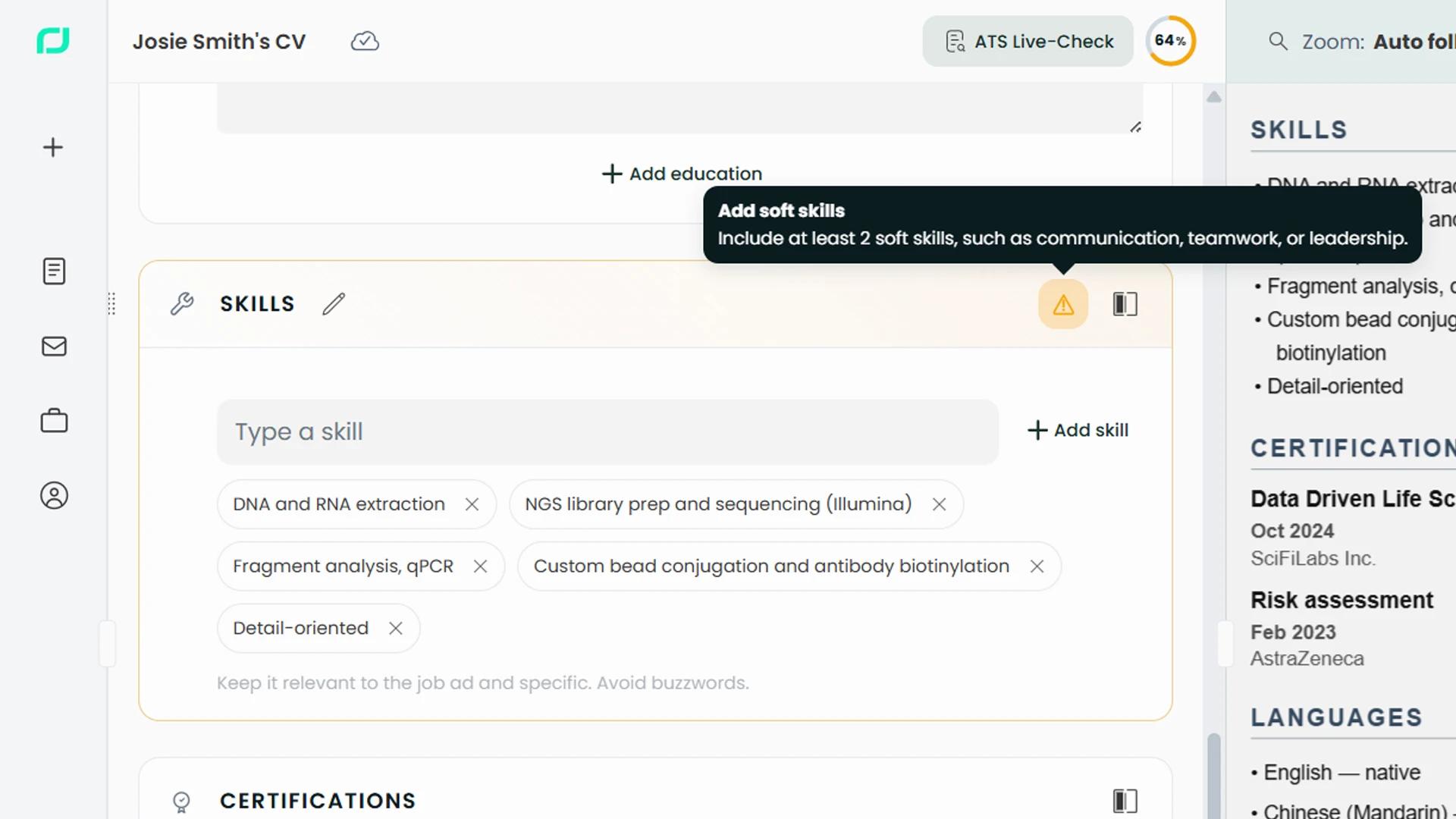
Errors appear in color
Issues appear directly in the résumé as color-coded feedback, so you can immediately see what needs attention.
-
Fix it and watch score climb
Fix the flagged issues and the ATS score updates live, so you can see progress instantly while editing.
-
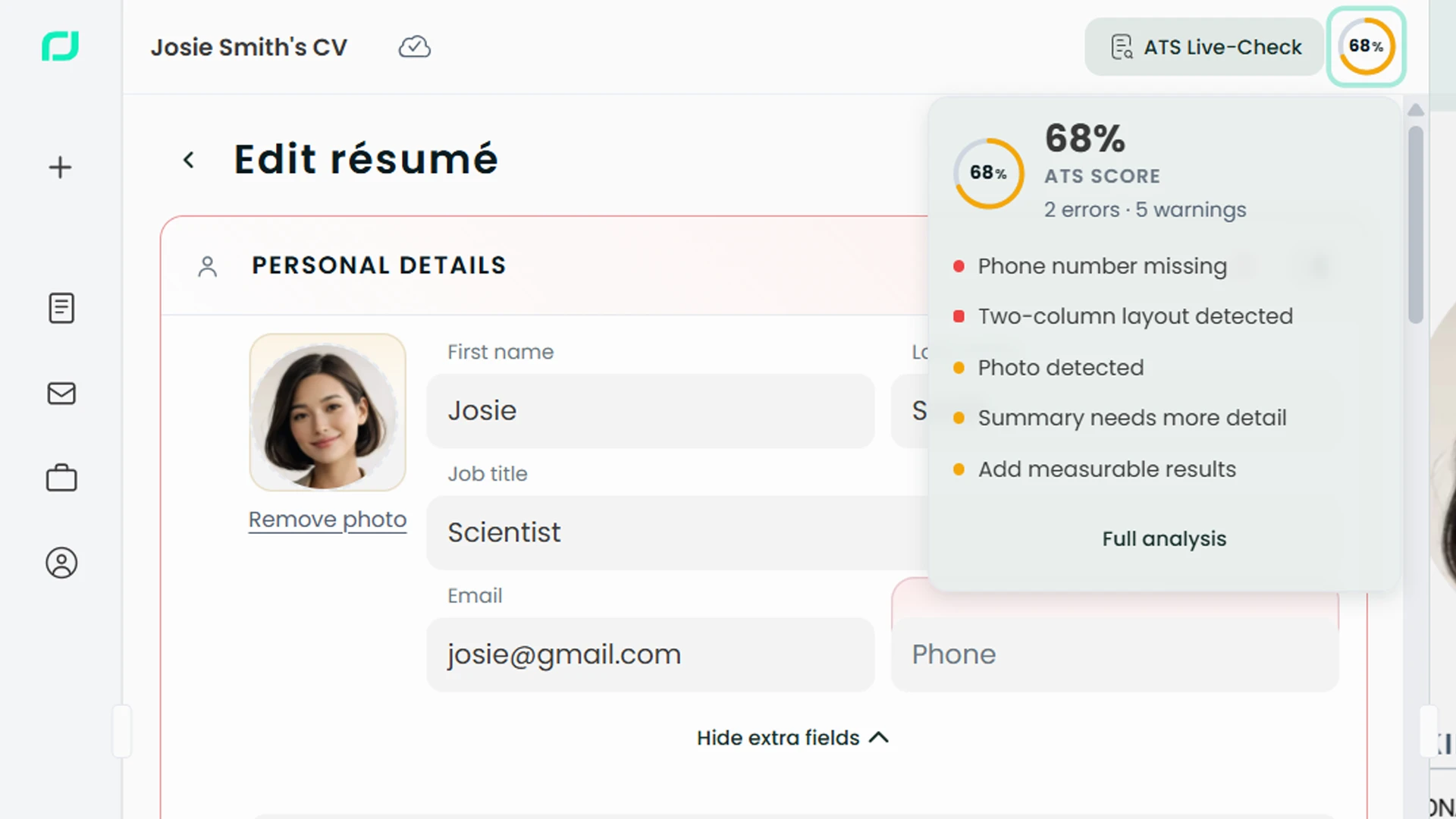
Click donut for quick summary
Click the score donut to open a quick summary of your current score and the main problem areas.
-
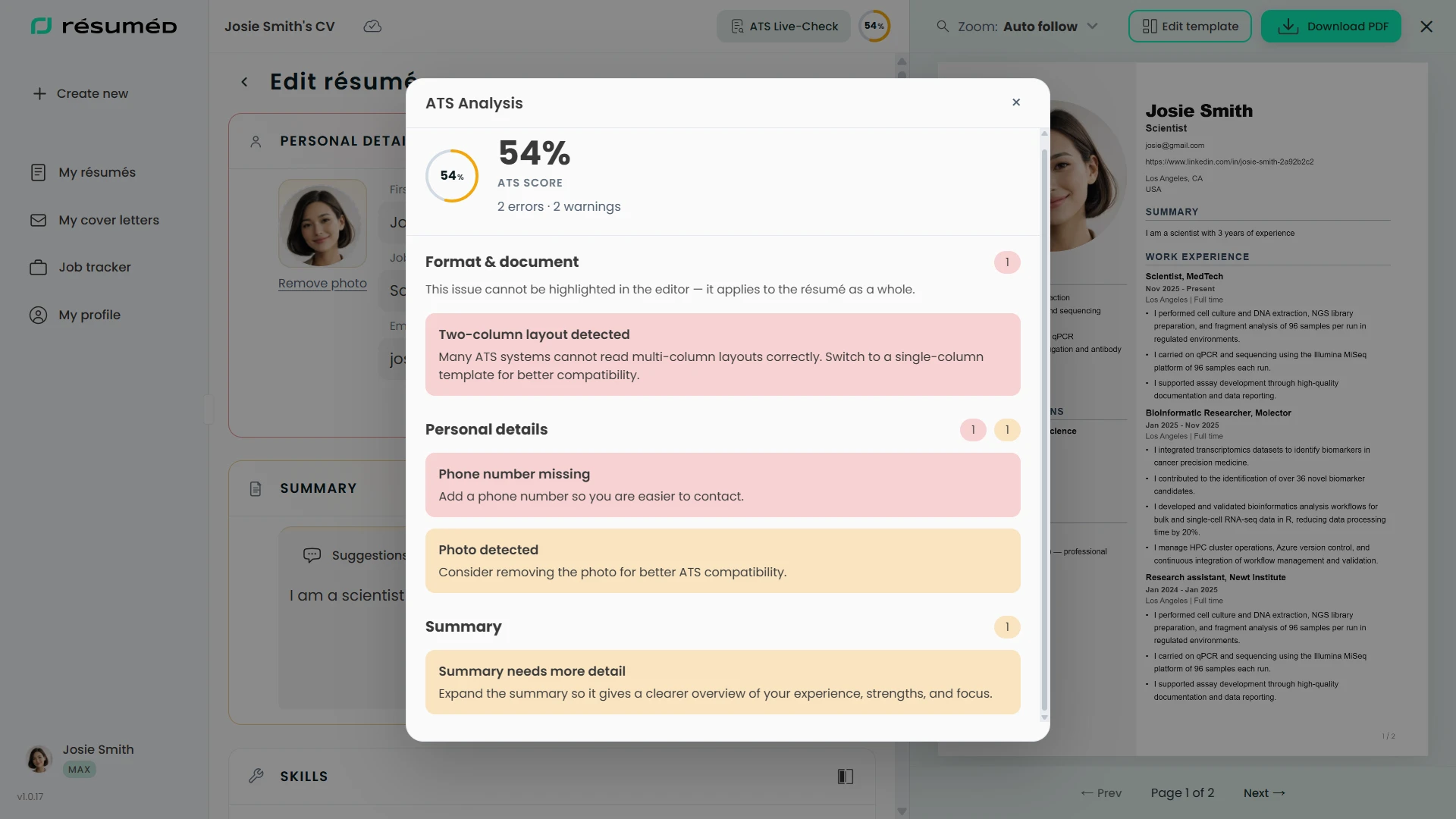
Open Full Analysis
Open Full Analysis to see the complete ATS breakdown, including what is holding the score back and what to fix next.
Job Tracker
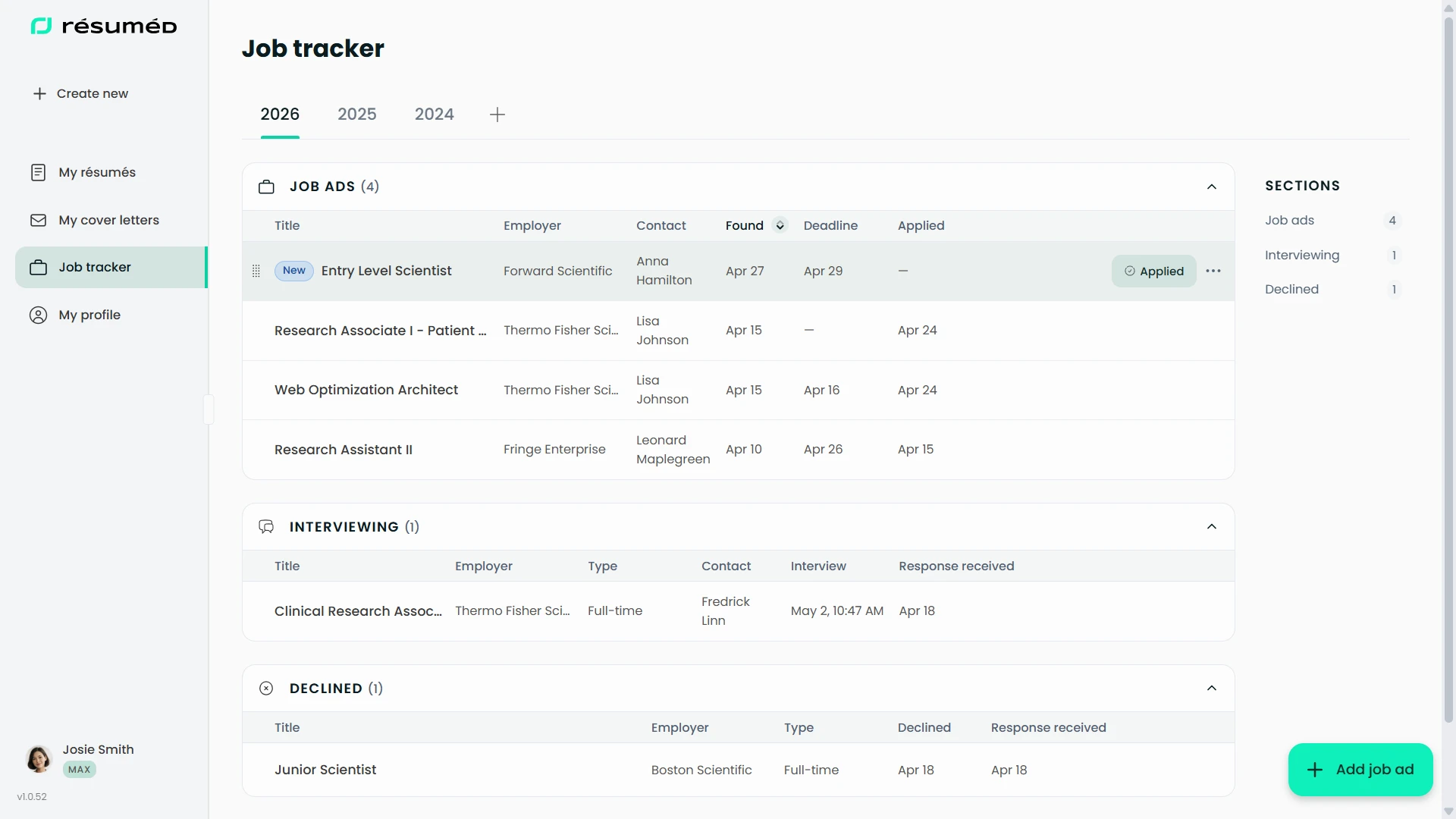
Keep every job ad organised in one place
Click the green dots to explore how Résuméd helps you track jobs, interviews, and outcomes without losing the thread.
Job Tracker
Open Job Tracker
Click Job Tracker in the sidebar to go here. Simply, drag a job link to the main view to add.
Job Tracker
Open Job Tracker
Click Job Tracker in the sidebar to go here. Simply, drag a job link to the main view to add.